
R
ChatRex
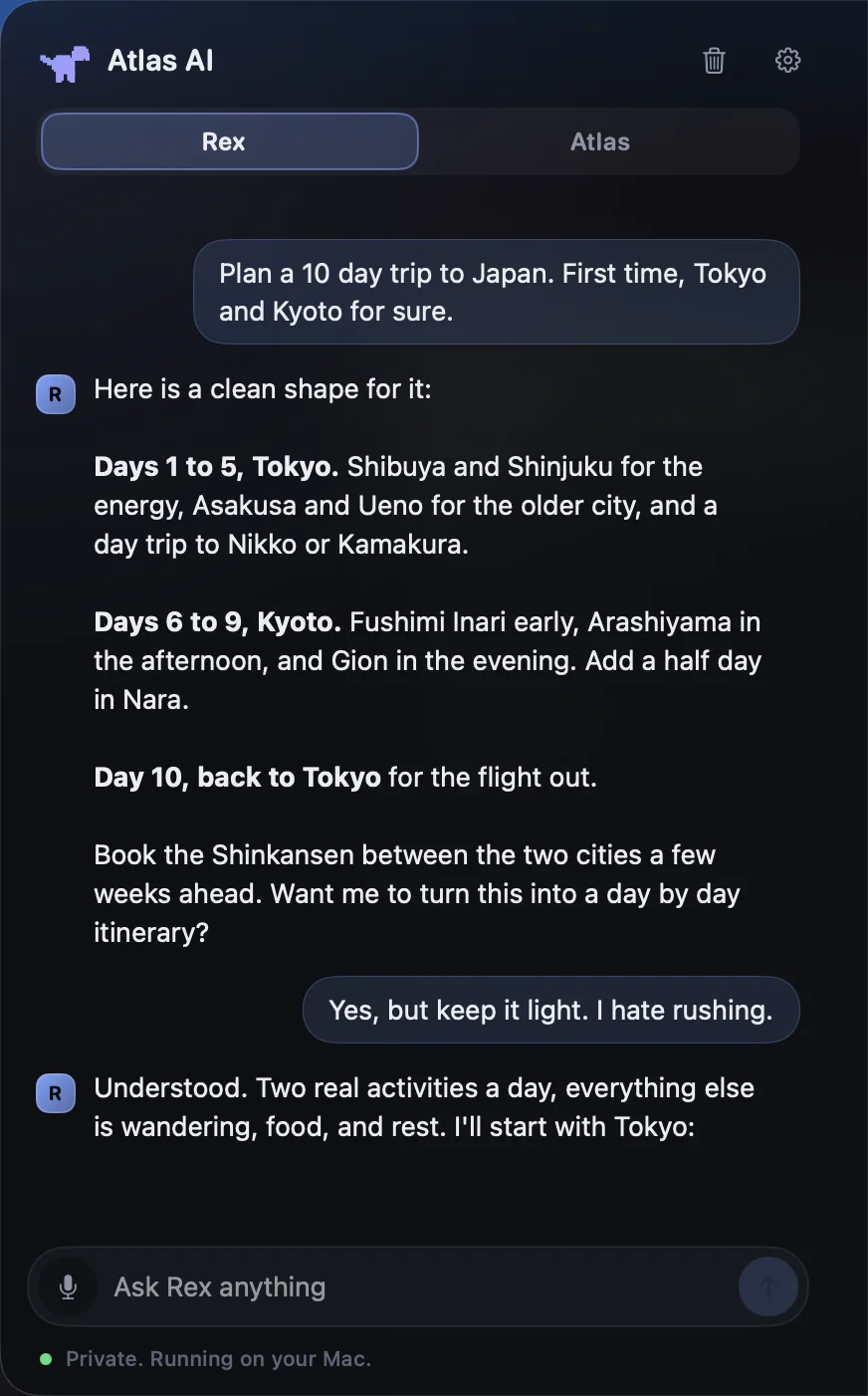
Fast, streaming answers from a local model, with markdown, code blocks and a Stop button for when you change your mind.
“Hey Rex”
Atlas AI for macOS
A private assistant that docks to the edge of your screen. Chat with it, show it what you're looking at, or just say its name. Everything runs on your Mac.
Fast, streaming answers from a local model, with markdown, code blocks and a Stop button for when you change your mind.
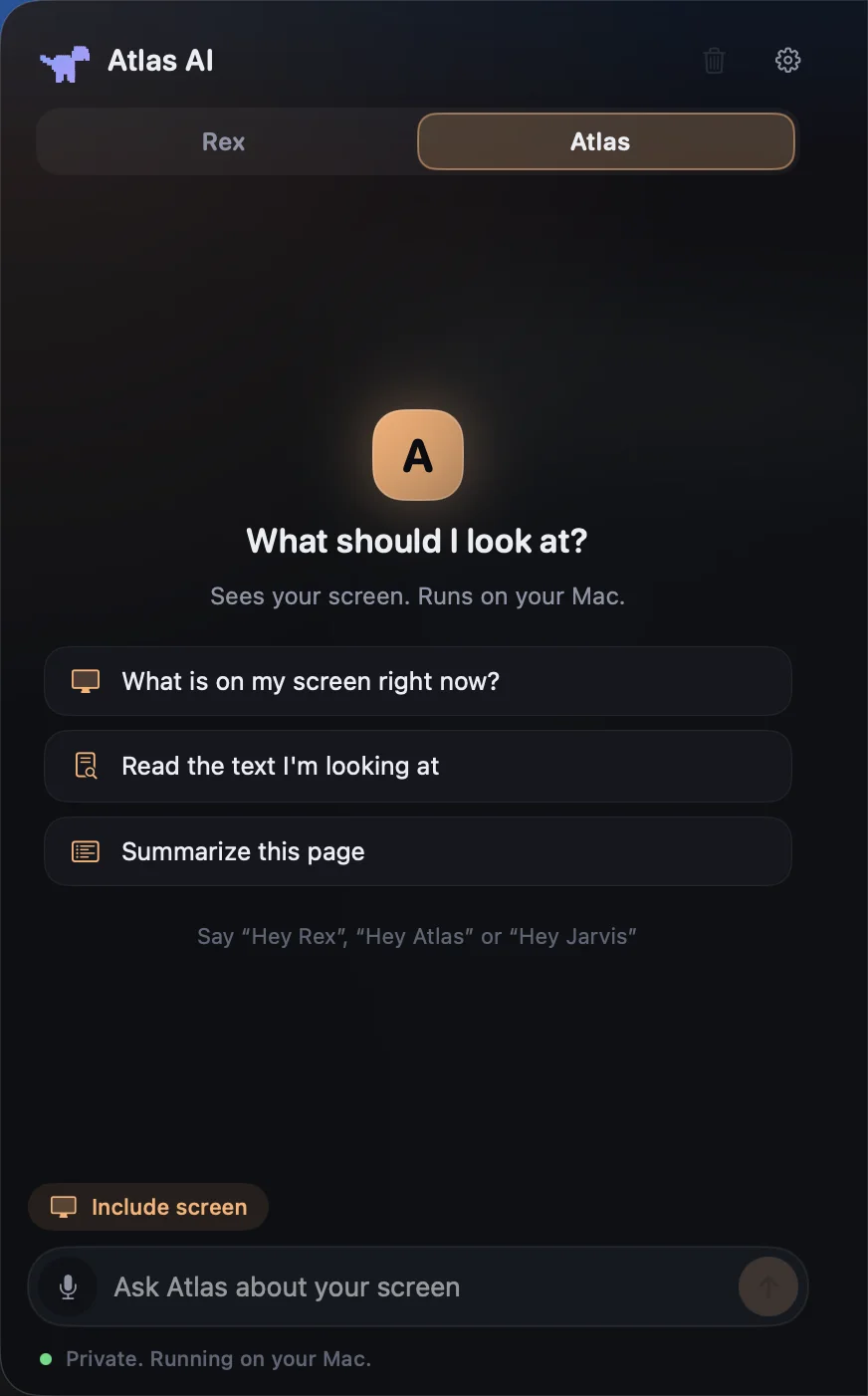
“Hey Rex”Looks at the display under your cursor and answers about it: read this text, summarize this page, what is this error. It only looks when you ask.
“Hey Atlas”Spoken answers. Open apps, add tasks, and optionally run shell commands, each one shown for your approval first.
“Hey Jarvis”Say “Hey Jarvis” and ask. It answers out loud, opens apps, adds tasks and can even pull a place up on a holographic globe.
The models run through Ollama on your own machine, with llama3.2 for chat and moondream for vision. No telemetry. Your conversations are stored locally in Application Support.
Download it from ollama.com and open it once. It runs the models on your Mac.
Drag Atlas AI into Applications.
macOS will say it can't verify the app, because it isn't notarized yet. Open System Settings, Privacy & Security, and click Open Anyway.
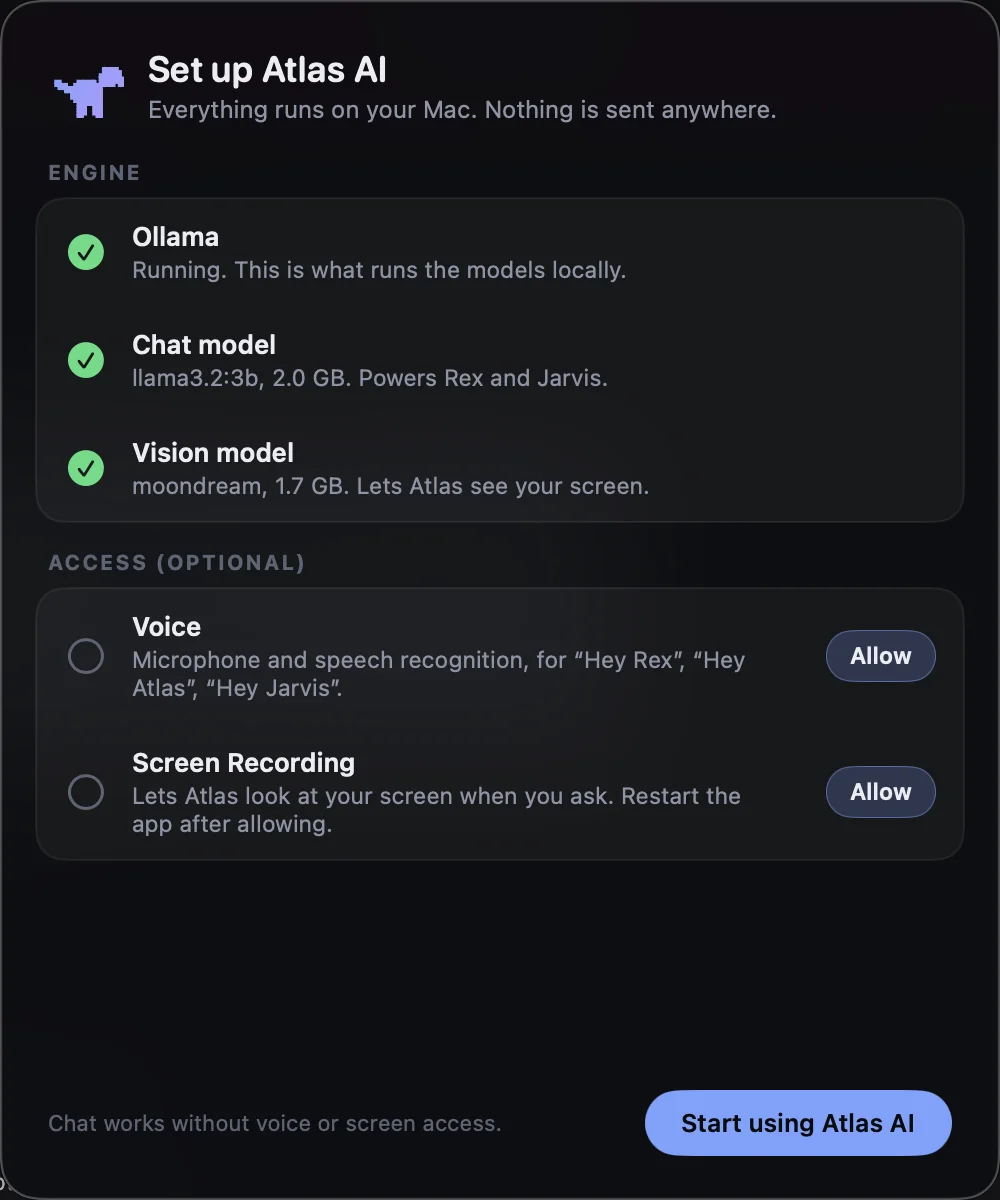
Atlas AI checks Ollama and downloads the chat model (2.0 GB) and the vision model (1.7 GB). Voice and screen access are optional.
Version 1.0 for Apple Silicon Macs on macOS 14 or later. Free, and about 2 MB.
SHA-2569a32a8c8f3f8b4c366c5157453a0321c20c1bf378ca0657d2a9fb4ebfc555f1e
A 3B text model and a 1.7B vision model, so it runs on any recent Mac. Great for everyday help, not frontier-level reasoning.
Spoken replies use the macOS voice by default. A higher-quality neural voice can be added separately.
The holographic globe works, but pin placement is still approximate while I finish it.